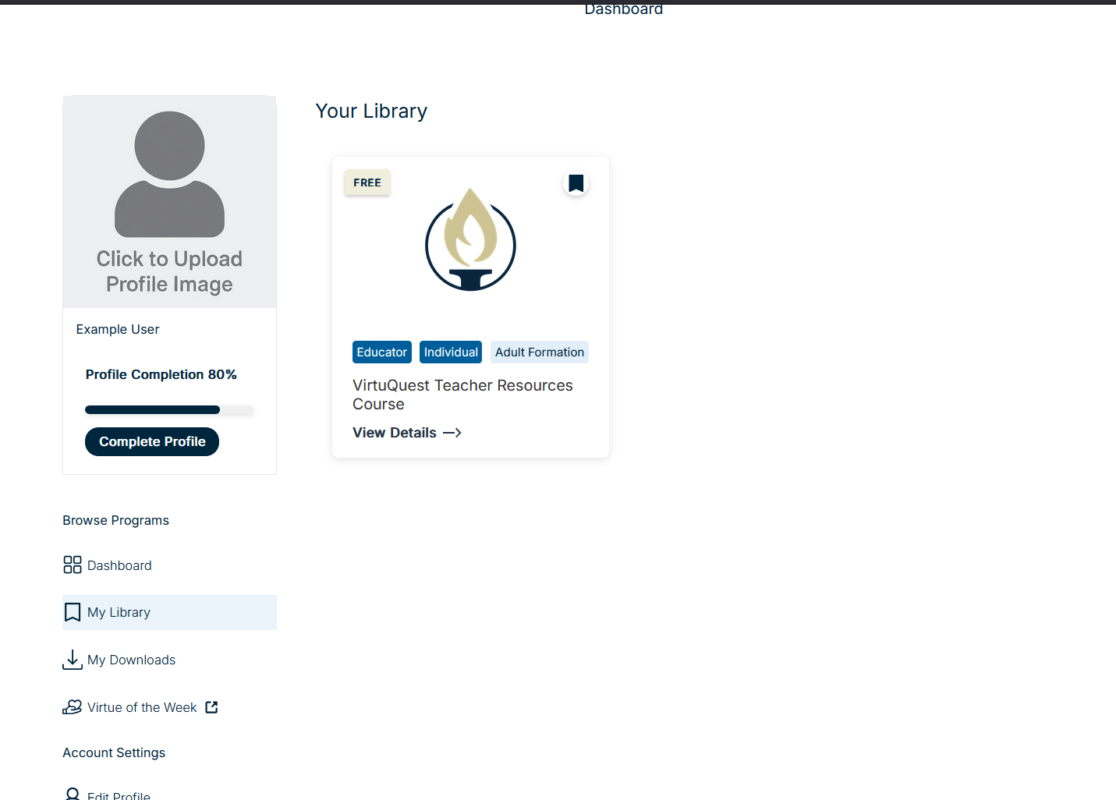
Pinning these resources
Luckily, we’ve built a handy bookmarks feature into Openlight Media Plus. You can favorite almost any page to find it easily again in your Openlight Media Plus Dashboard!
You must be logged to do this.
Follow these steps (after logging into your user account):
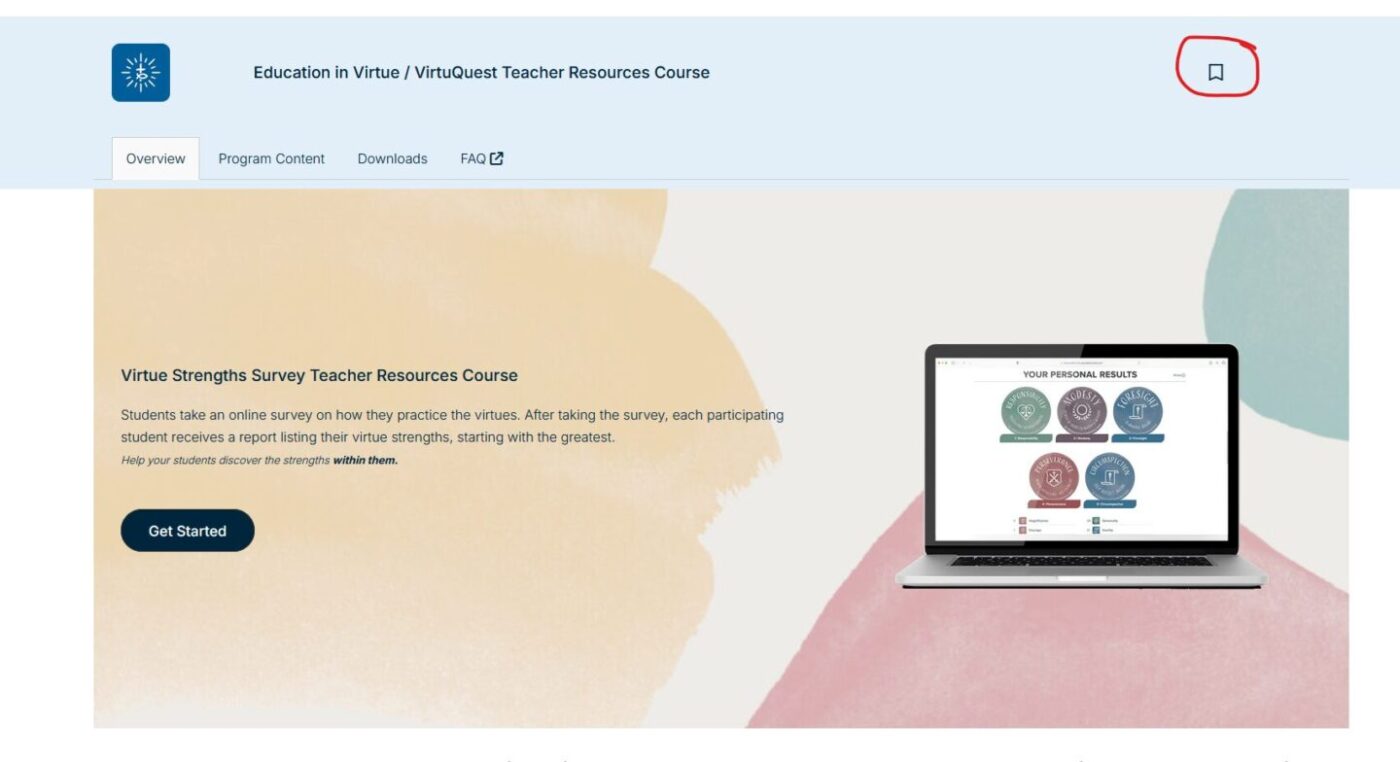
1. Go to the Virtue Strengths Survey (VSS) Teacher Page
2. Locate and click the Bookmarking Icon:
3.When logged in, you can now return to the VSS Teacher Page by going to your dashboard and looking at the Your Library section.
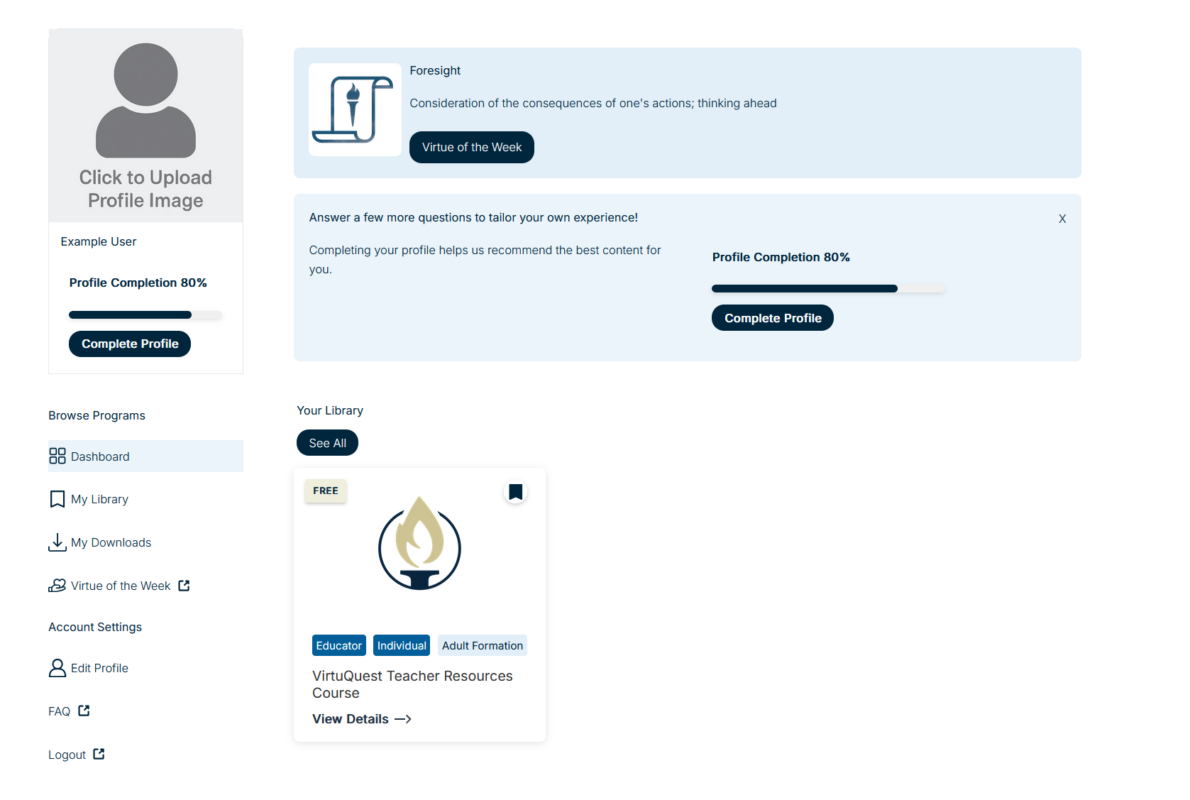
Note: You can also click the my library link on the left hand menu to see all your bookmarked items if you have too many items and not showing up on the home dashboard screen.